Description
Microsoft Surface Pro, Go, RT and Duo Paper-Like Screen Protector (2 PCS) – Matte Anti-Glare
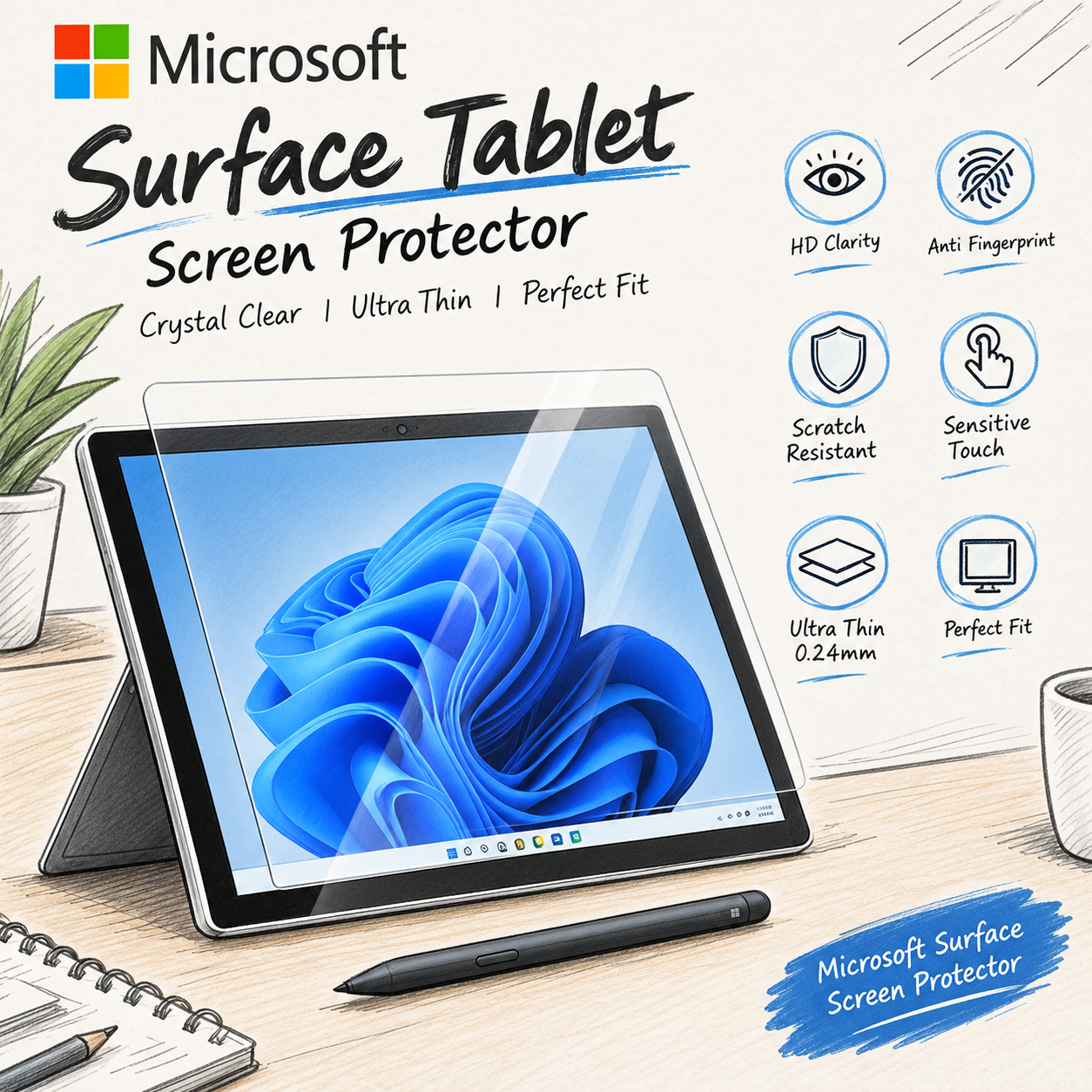
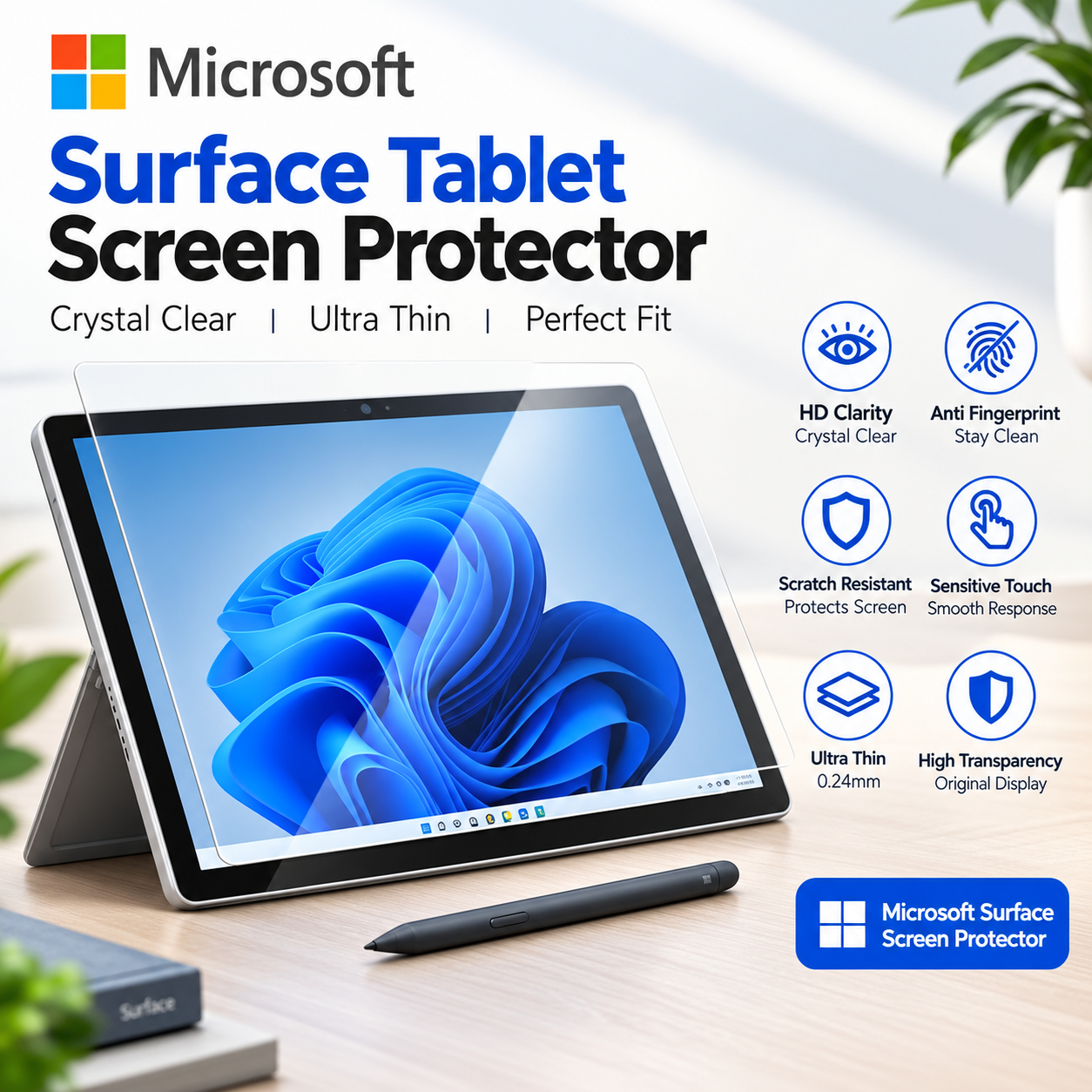
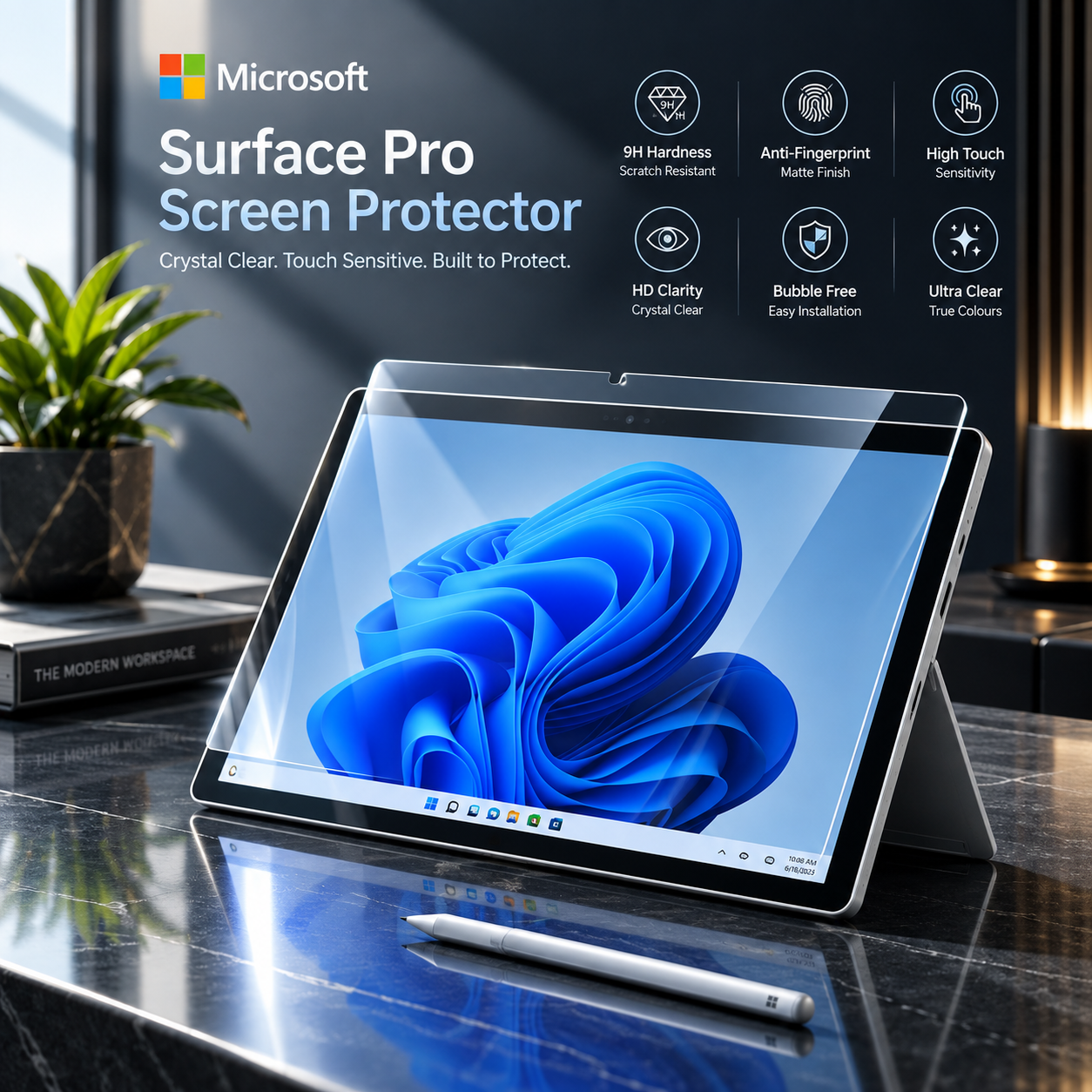
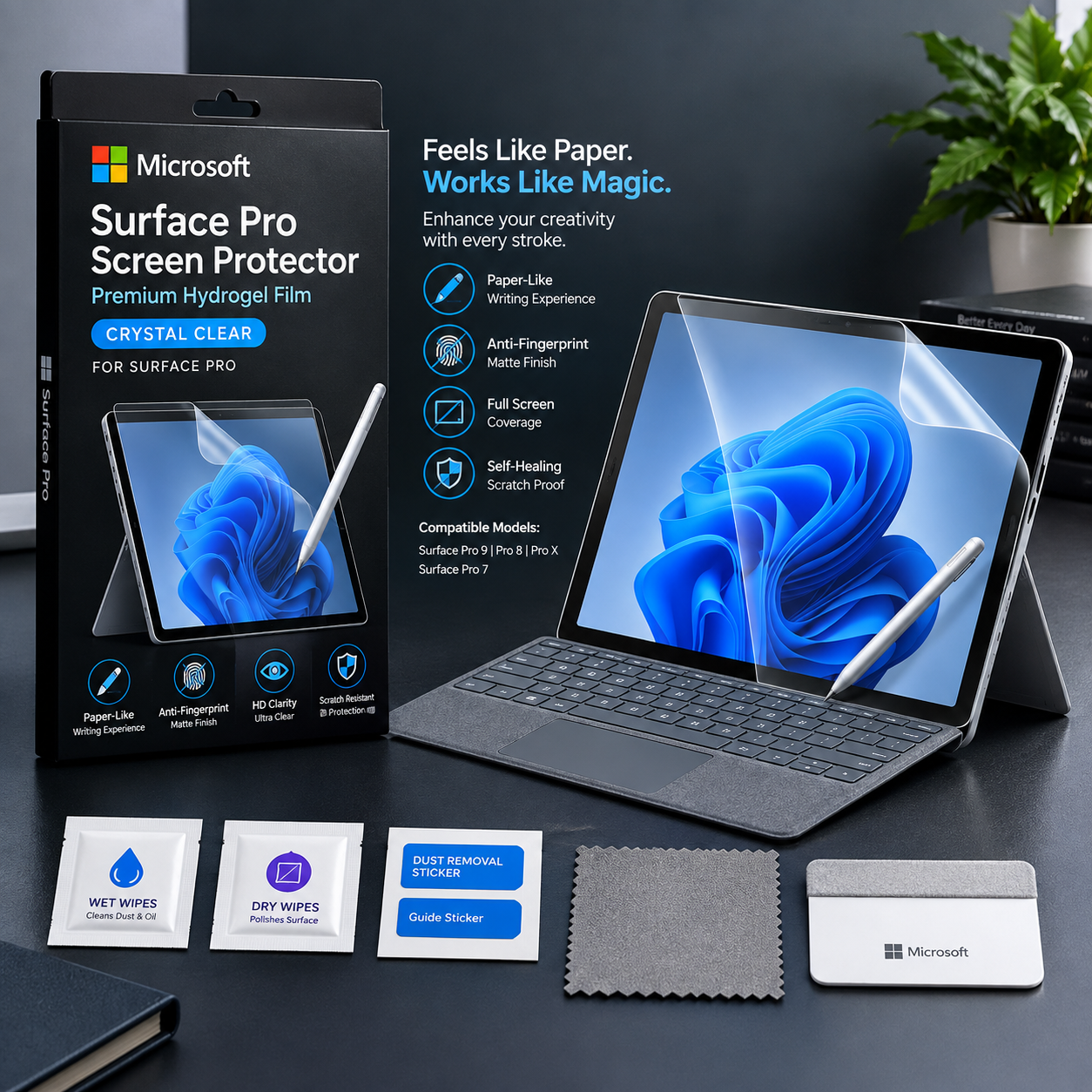
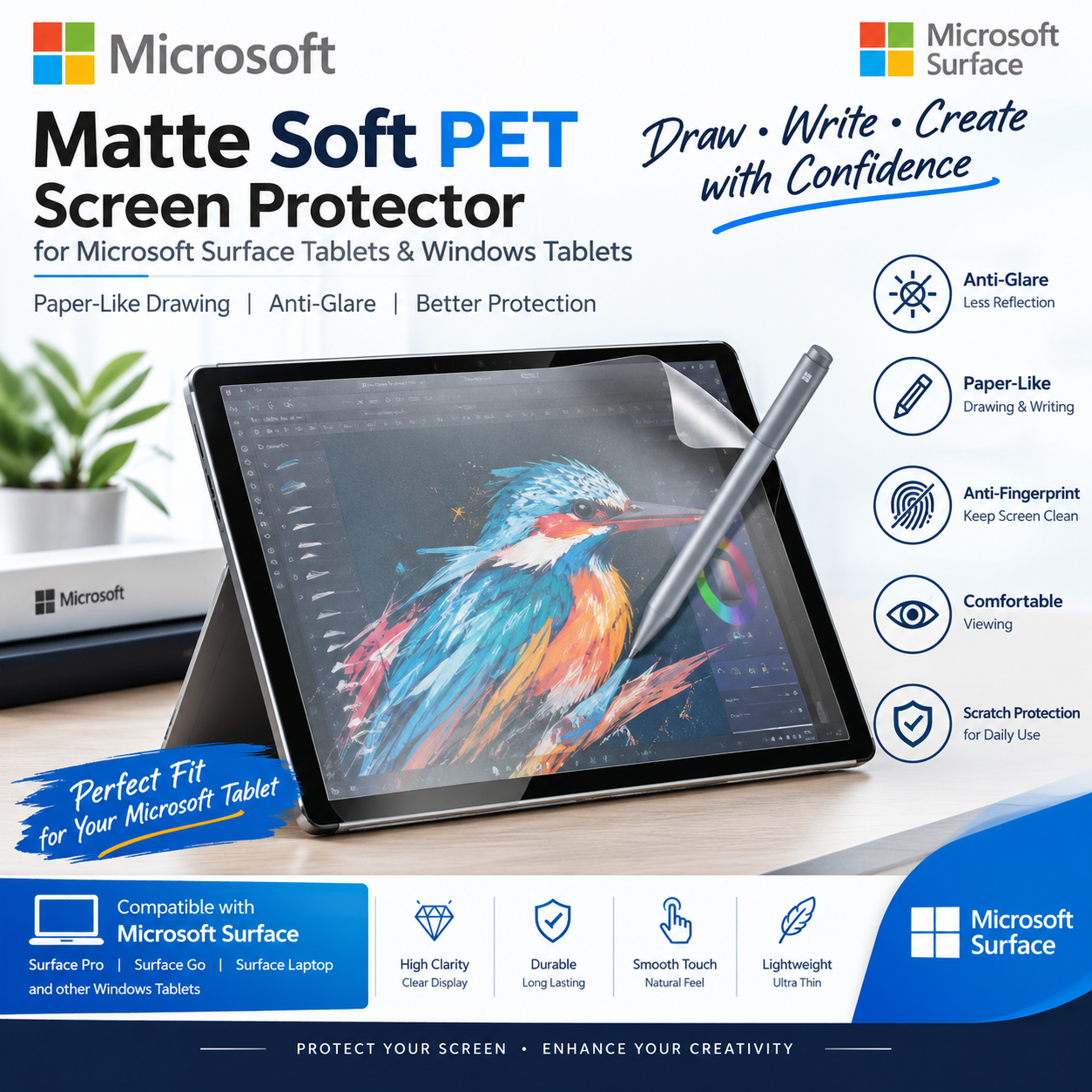
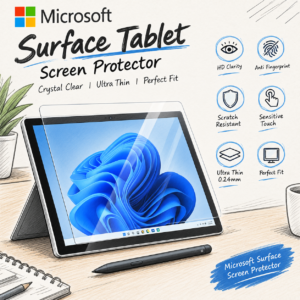
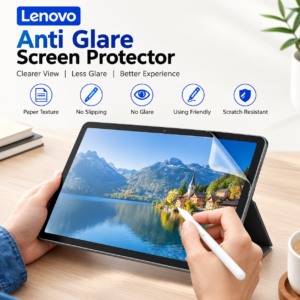
Give your Microsoft Surface Pro, Go, RT and Duo screen a paper-like feel for writing, drawing and note-taking. This matte PET film reduces glare and fingerprints while protecting the screen from scratches and daily wear.
Key Features
- Paper-like matte texture for writing and drawing with a stylus
- Anti-glare surface that reduces reflections and fingerprints
- Smooth touch response
- Soft, flexible PET film
- Cut to fit your exact tablet model
- Easy to apply and remove
Perfect For
- Students taking notes and studying
- Artists drawing and sketching
- Anyone who wants less glare and fewer fingerprints
Compatible Microsoft Surface Pro, Go, RT and Duo Models
- Microsoft Surface Pro X
- Microsoft Surface Go 4 10.5
- Microsoft Surface Pro 12
- Microsoft Surface Pro 11 13 Inch
- Microsoft Surface Pro 9 13 Inch
- Microsoft Surface Pro 8 13 Inch
- Microsoft Surface Pro 7+ 12.3 Inch
- Microsoft Surface Go 3
- Microsoft Surface Duo 2
- Microsoft Surface Pro 8
- Microsoft Windows 8 10 Inch
- Microsoft Surface RT 2
- Microsoft Surface RT
- Microsoft Surface Pro Windows 8
- Microsoft Surface Pro M
- Microsoft Surface Pro i5 Five Generations
- Microsoft Surface Pro 7
- Microsoft Surface Pro 3
- Microsoft Surface Pro 2
- Microsoft Surface Go 10
- Microsoft Surface Go 2
- Microsoft Surface Mini
- Microsoft Surface Go
- Microsoft Surface 3
- Microsoft Surface Pro 6
- Microsoft Surface Pro 5
- Microsoft Surface Pro
- Microsoft Microsoft Win8 10 Inch
Frequently Asked Questions
What is the price of the Microsoft Surface Pro, Go, RT and Duo paper-like screen protector in Pakistan?
It is Rs 1,649 at Mobile Cafe.
Will it work with my stylus?
Yes, it works with stylus pens and finger touch. The paper-like texture can wear stylus tips a little faster than bare glass, which is normal for this type of film.
Does a matte film affect screen clarity?
Matte paper-like film slightly softens sharpness and colours in exchange for less glare and a paper feel. This is normal for anti-glare film.
How do I find my exact model?
Open Settings > System > About in Windows, or check the model printed on the back of your device. Select the matching model before ordering, because each film is cut for one screen size. If you’re not sure, send us your model name and we’ll confirm.
Notes
- Screen protector film only, tablet not included.
- Clean the screen thoroughly before installation.

Reviews
There are no reviews yet.